Digital tools in the everyday life of a development manager
I work as a development manager in social and health care IT services. In practice, this means that my everyday life revolves around various development projects, customer discussions, workshops and digital solutions. I work closely with both technical experts and customers, and my role is a combination of development, coordination, sparring and practical work. The aim is to make the work of health and social services professionals smoother, more knowledge-driven and safer – not only technology-first but also based on the needs of users.
Digital tools are a strong part of my working day. Without them, it would be practically impossible to work in its current form. The key digital tools in my work are Microsoft 365 environments, my day usually starts with Outlook, where my calendar is filled with meetings and discussions with different stakeholders. Teams, on the other hand, is constantly open – it is used for both official meetings and quick sparring sessions with colleagues. OneDrive and SharePoint work as a shared memory: documents, plans and presentations are easily accessible to everyone. These tools make collaboration flexible, even if the teams and customers are in different parts of Finland.
One of the most important entities in my work is Microsoft Power Platform. It enables the development of solutions quickly and agilely. The best thing about these tools is that the development takes place close to the users and real needs – not as projects that take years. In my work, I also use AI-based tools, such as Copilott, for example, in drafting, condensing and brainstorming texts. They don’t make decisions for me, but they help me structure my thoughts and save time. This frees up energy for what is essential: discussion, analysis and development.
For me, digital tools are not just tools, but they have become part of a broader culture of development. They support openness, knowledge-based management and continuous learning. In the context of health and social services, information security, data protection and ethics are also emphasized, which strongly guide everything we do. At their best, digital solutions make the everyday life of professionals easier, improve the quality of services and make work more meaningful. That is why developing and utilizing them is an essential part of my own work – and also of my continuous learning.
Prerequisites for the successful use of digital tools
There are several factors that contribute to the successful use of digital tools and applications. Here are a few factors that affect the successful use of applications and their incorporation into everyday life. Usability and ease of use, the application should be intuitive and smooth in everyday work. Clear purpose, the user must understand what problem the application is addressing and how it supports their own work. Competence and support, adequate orientation, training and available support are prerequisites for their use. Leadership and operating culture should not be forgotten either, the support of supervisors and the organization is crucial in the introduction of digital tools. Information security and trust, especially in the health and social services sector, users must be able to trust that information is processed securely. Taking well-being into account and the use of applications should support coping at work and not increase the workload.
Digital tools and social media offer significant opportunities for enhancing expert work, collaboration and learning. However, their use requires conscious use, critical thinking and clear rules of the game. At best, correctly selected and managed digital solutions can improve both the quality of work and well-being at work.
Utilising social media at work
From a positive point of view, social media serves as an effective source of information and a tool for networking. LinkedIn, for example, enables the following of current phenomena, such as artificial intelligence, the digitalization of health and social services and the development of data protection, as well as professional discussion among experts. Social media also supports the personal brand and the visibility of the organization and lowers the threshold for sharing expertise. From a negative perspective, social media can put a strain on the workday, disrupt concentration and increase the constant feeling of availability. In addition, the reliability of information varies, and critical literacy is essential. In working life, information security, confidentiality and the organization’s guidelines must also be taken into account so that the use of social media does not cause risks.
is a familiar application I use in my free time, but not at work. The importance of digital communication tools has increased in expert work, and WhatsApp could also serve as a fast and low-threshold communication tool at work, especially in situations where reaching people is challenging. However, the application is located at the interface of social media and instant messaging, which brings with it both benefits and challenges.
From a positive point of view, WhatsApp enables quick communication, agreeing on practical matters and strengthening the sense of community. Its ease of use and wide user base can make everyday coordination more efficient and save time. On the other hand, there are significant challenges associated with its use, especially in expert and social welfare and health care environments. Key risks include blurring of the boundaries between work and leisure, constant availability, information security and data protection issues, and a lack of communication documentation. In the context of health and social services, WhatsApp is not suitable for processing patient or client data, and its use requires clear instructions.
Todoist
is a task management tool that can be used to schedule and structure one’s own tasks into manageable entities. In expert work, where the work consists of several parallel tasks, such a tool can make everyday life easier and supports workload management. By breaking down large entities into smaller tasks, the work becomes clearer and easier to follow.
The application supports self-management and proactive work. Making tasks visible helps you understand your own time management and prioritize what you do, which can reduce the strain and increase the sense of control. Using Todoist is not tied to the organization’s systems and works on different devices, making it a flexible personal tool.
DALL-E
DALL· E is an AI-based tool that can be used to quickly produce visual content in the form of images. It supports creative thinking and helps to concrete abstract ideas into a visual whole. In my daily work, DALL· E can make work more efficient and save time, especially when you want to illustrate things quickly and effectively, for example, in presentations or in the conceptualization phase.
However, there are also challenges associated with using the tool. The interpretation of the copyrights of AI-generated images and the possible misunderstanding of the content require consideration. In addition, images do not always correspond to a completely realistic perception, which is why their use requires critical evaluation and consideration of the context. When used correctly and responsibly, DALL· E can provide effective support for innovation and communication but is not a substitute for the expert’s own assessment.
Mural
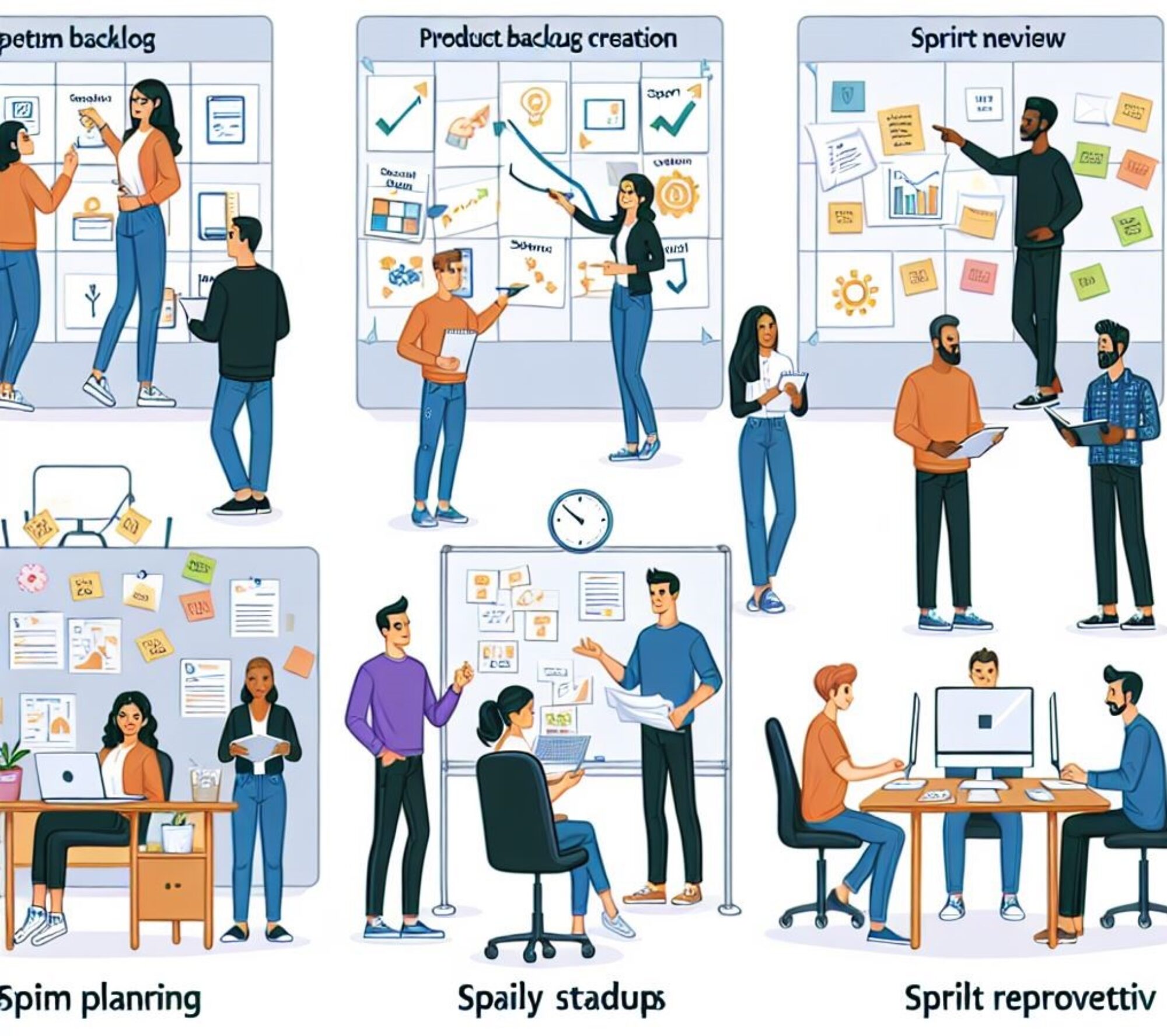
Mural is a digital tool for co-creation, ideation and visualization that can be used in a variety of ways in daily expert work. In my own work, I would see it as particularly useful for brainstorming and workshops where the participants want to be actively involved in doing things together. Murals’ strength lies in its visual work, where processes, ideas and entities can be depicted on work surfaces, for example, with the help of sticky notes and diagrams.
Slack:
Slack is a team communication and collaboration platform that is used especially in the workplace for internal communication between projects, teams, and organizations. Communication is divided into topic-specific channels, which helps to keep discussions organized and information easy to find. In addition, Slack allows for direct messages to individuals or small groups, as well as file sharing directly during conversations.
Slack’s strength lies in its integration with other tools such as Microsoft 365, Jira, Power BI, and Zoom, making it a key part of everyday work. Notifications and automation can streamline work and reduce the need for separate systems. When used correctly, Slack supports transparent collaboration and a smooth flow of information, but its utilization also requires clear rules of the game to keep communication under control and not burdensome.
Self-Assessment
This assignment made me think about how strongly digital environments have been integrated into everyday life both in our free time and in working life. Examining digital tools highlights their central role in today’s expert work. Although digitalization and social media offer significant opportunities, their use also requires a critical assessment, as ill-considered use can increase the load and risks. Digital tools are not an intrinsic value, but tools whose value is created through responsible and appropriate use. Expert work emphasizes the ability to assess when a tool supports work and when it weakens well-being at work.
My key observation was related to the impact of digital tools on work management and workload. The responsibility for structuring, prioritizing and scheduling work is increasingly shifting to the individual, and digital tools can best support this self-management by making the workload and goals visible and enabling proactive work. In the future, the development of digital platforms, especially with the advent of artificial intelligence, will accelerate even further. This increases the need to consider digital solutions that suit you both at work and in your free time, which means that information security and reliability are becoming increasingly important selection criteria.
Sources